Amazfish 2.9.0 introduces support for newer ZeppOS devices, including the Amazfit GTR 3, along with improved Bangle.js synchronization for steps, sleep, and heart rate. The Sport Summary and Sport Detail pages received major updates, including additional activity icons, activity type editing, and Strava/FitTrackee uploads. PineTime weather now supports sunrise and sunset data. Multiplatform compatibility has been improved, fixing issues on Ubuntu Touch like swipe-to-delete and navigation instructions, while calendar backend were enhanced.
There has been an interesting community effort to bring support for newer ZeppOS devices to Amazfish. Members of the SailfishOS community used GoFundMe to crowdfund the purchase of an Amazfit GTR 3. After Adam received the device, he began reworking the ZeppOS implementation.
He implemented support for downloading PAI, HRV, temperature, and SpO₂ metrics, including their corresponding graphs. A significant amount of work has been done behind the scenes, and there is a tracking ticket available to follow the progress.
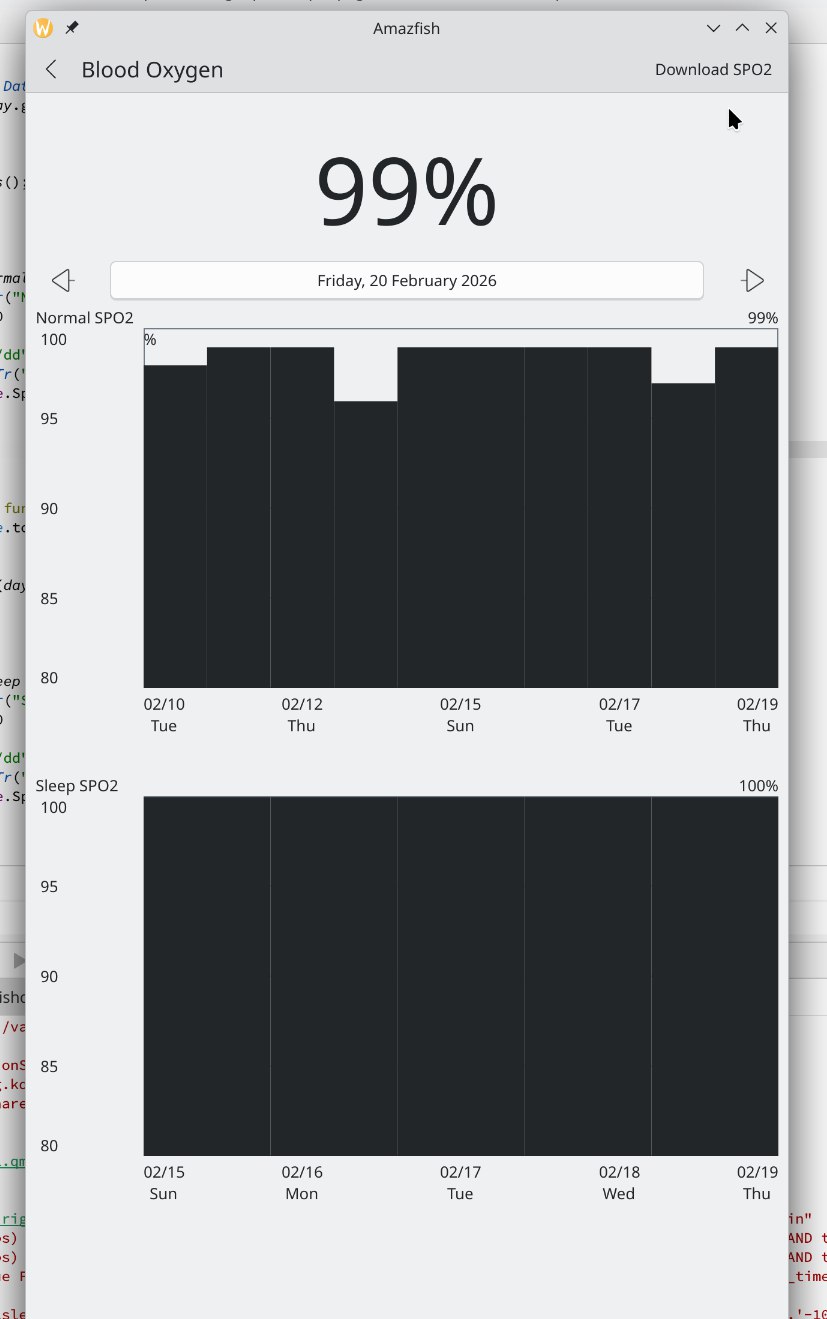
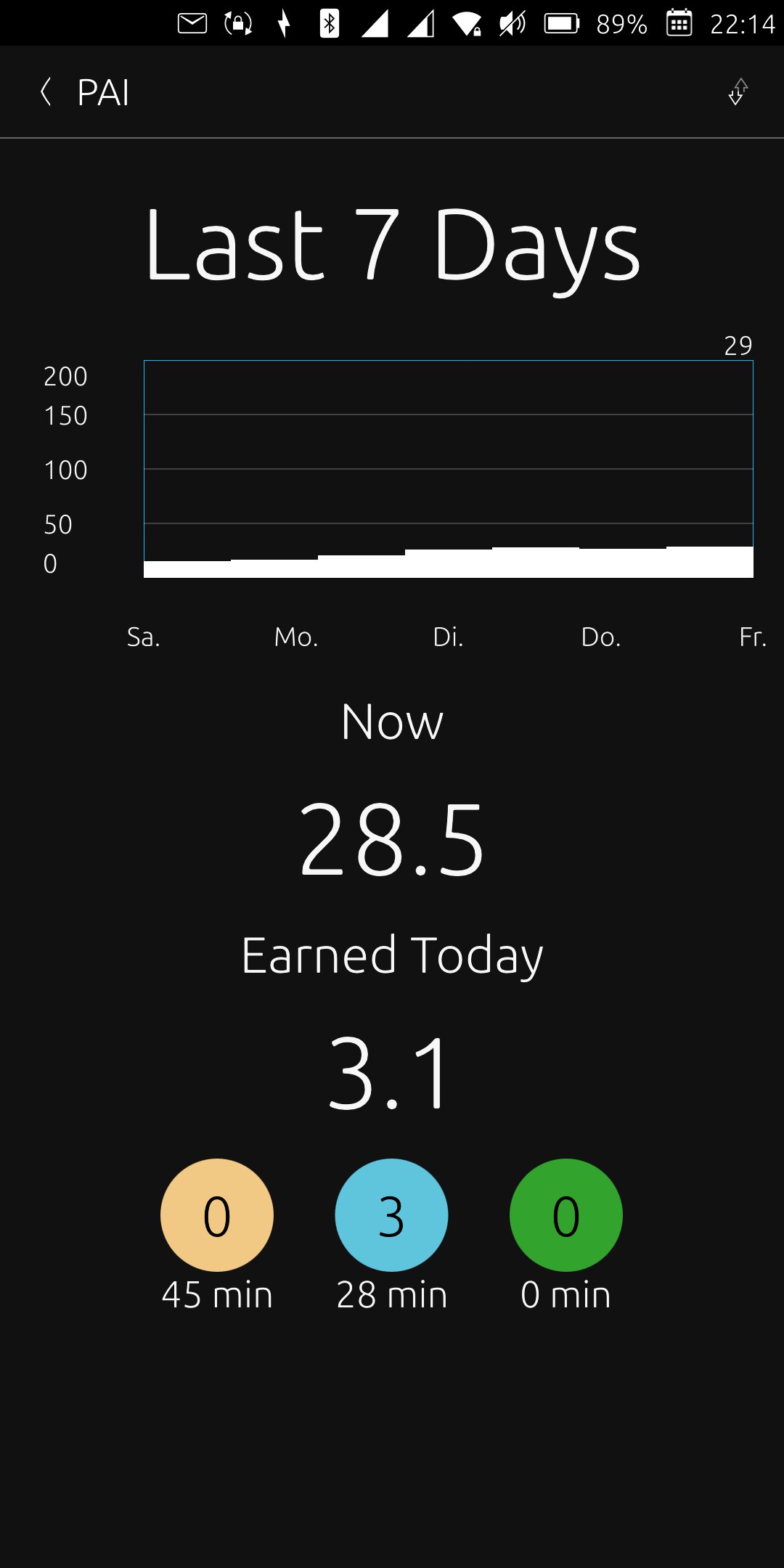
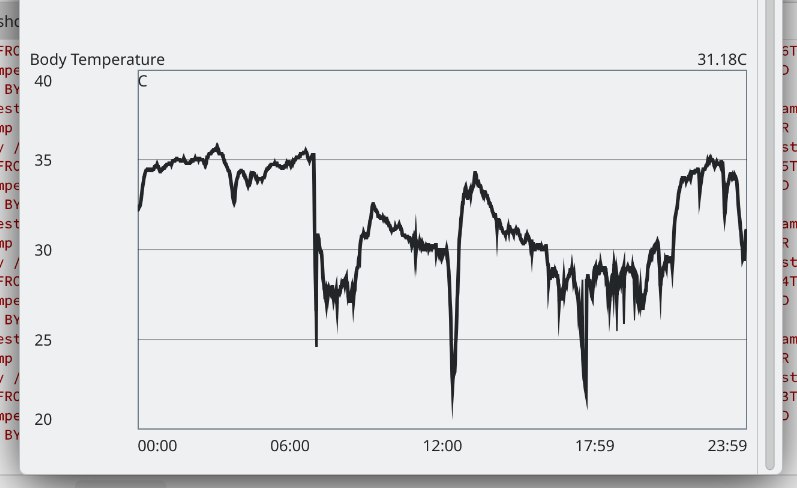
There are also contributors testing other Amazfit devices, such as the GTR 2e. In general, you need to select the device type before pairing. If everything works as expected, you can create a pull request following the naming pattern and specifying the device type used.
In the meantime, there was a minor change in the PineTime InfiniTime weather BLE format. Sunset and sunrise information were added to the message. Fortunately, the message includes a version field, which allows these changes to be handled properly on both sides.
Next, I decided to spend the donated money on a Bangle.js 2 device. I also have a LiliGo T-Watch, which attempts to implement the same protocol, but only partially. Additionally, the device sometimes gets stuck when receiving certain Bangle.js-related messages.
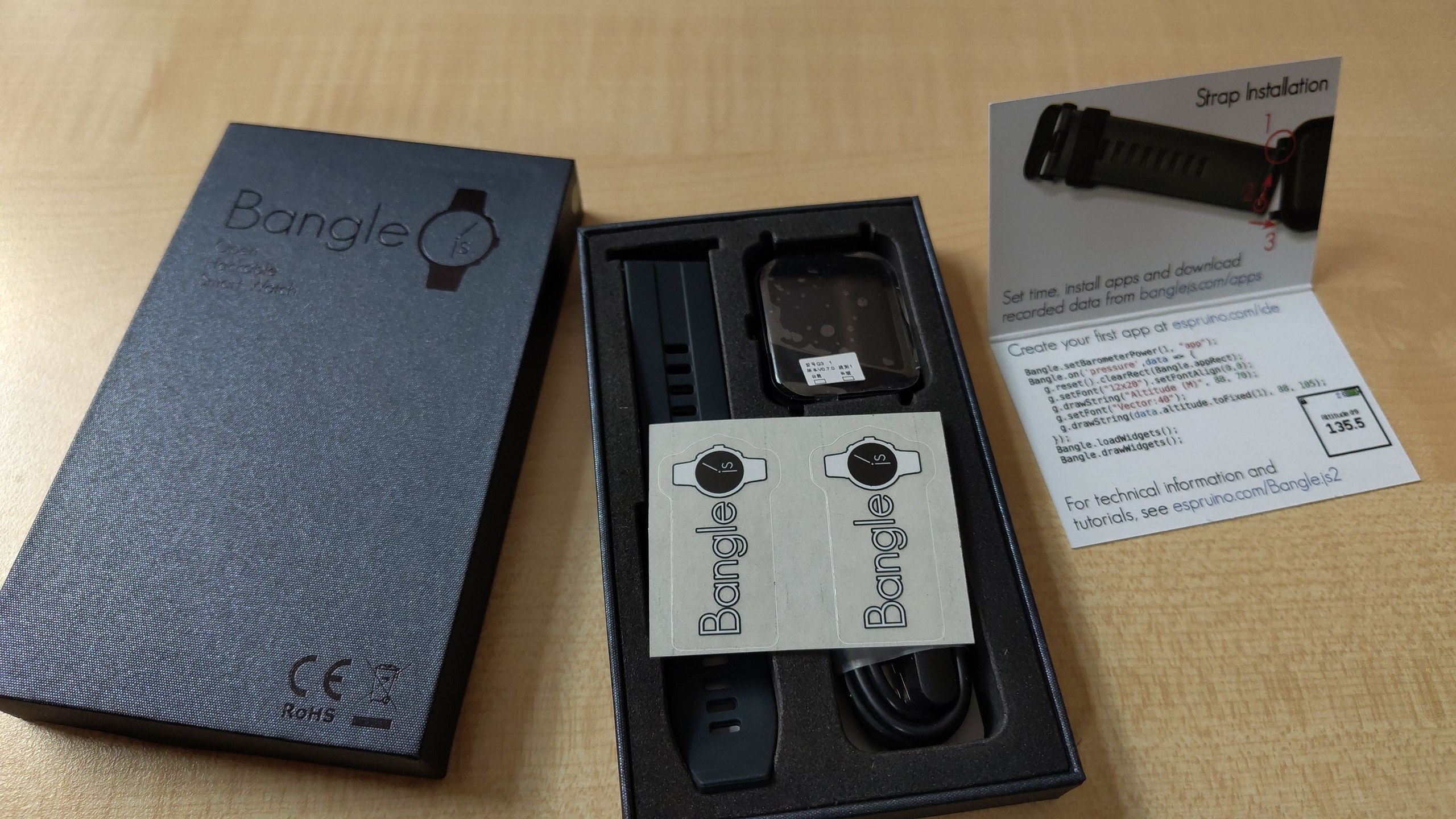
I added activity synchronization, covering step count, sleep activity, and heart rate data. Real-time step updates are a bit tricky because the device sends only incremental values rather than a full daily summary. This can temporarily lead to inconsistencies, but the correct value should appear after synchronization. You can now download sport activities from the watch. To enable this, the Recorder app needs to be installed on the device. The recorded data are synchronized to Amazfish and stored in TCX and GPX formats, where they are available in the Sport Summary page.
The Sport Summary page also allows uploading sport data to Strava. Juanro49 suggested that an open-source, privacy-aware app should focus on the same internet services and recommended adding support for FitTrackee and Endurian. For now, we have implemented support for FitTrackee only.
Danfro was not happy with the state of the Sport Summary and Sport Detail pages and proposed several improvements, which led to their current design. At the same time, the new ZeppOS significantly increased the number of supported sports to around 280 (more than in the Olympics!), and the newly implemented Bangle.js synchronization finally gave me enough data to properly test these pages. All of this together made it a good time to focus on improving this part of the application.
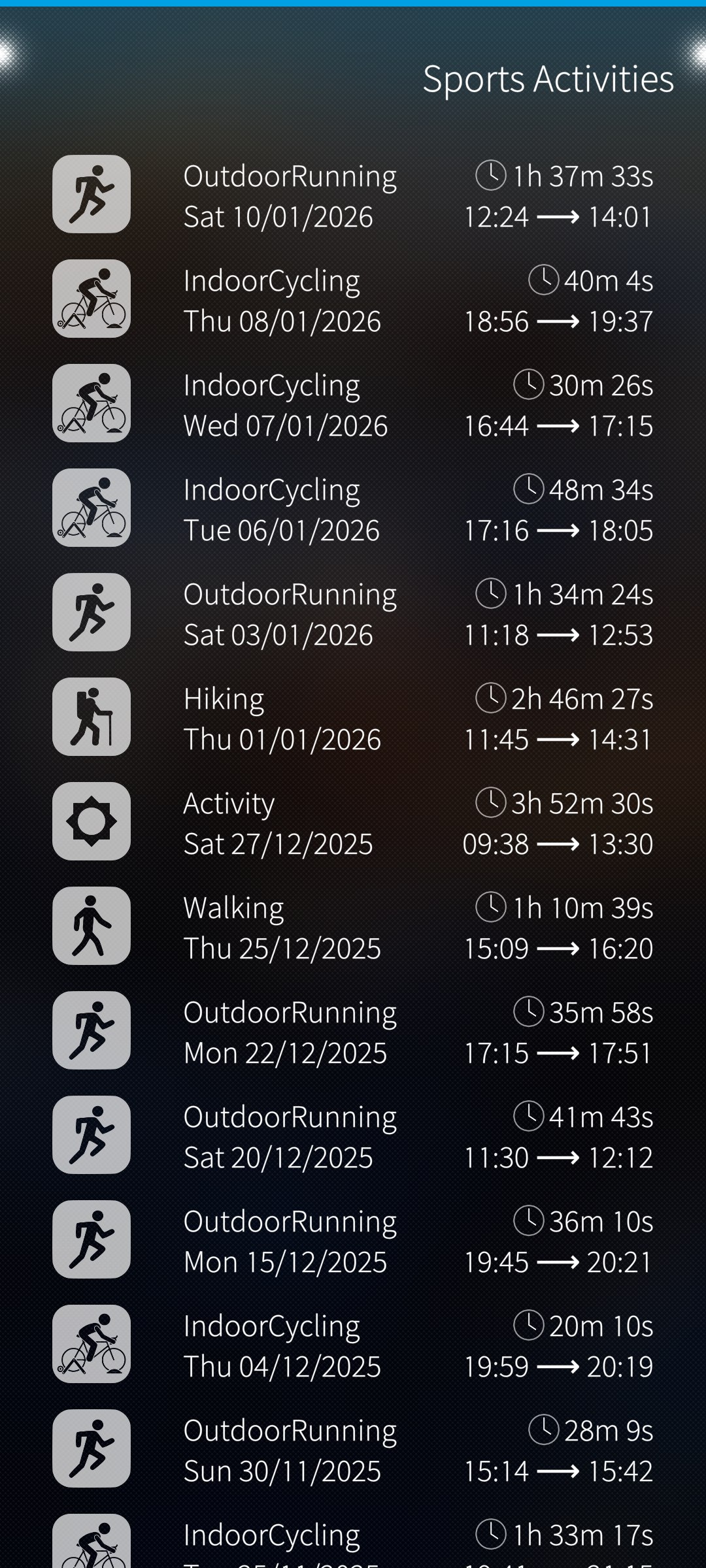
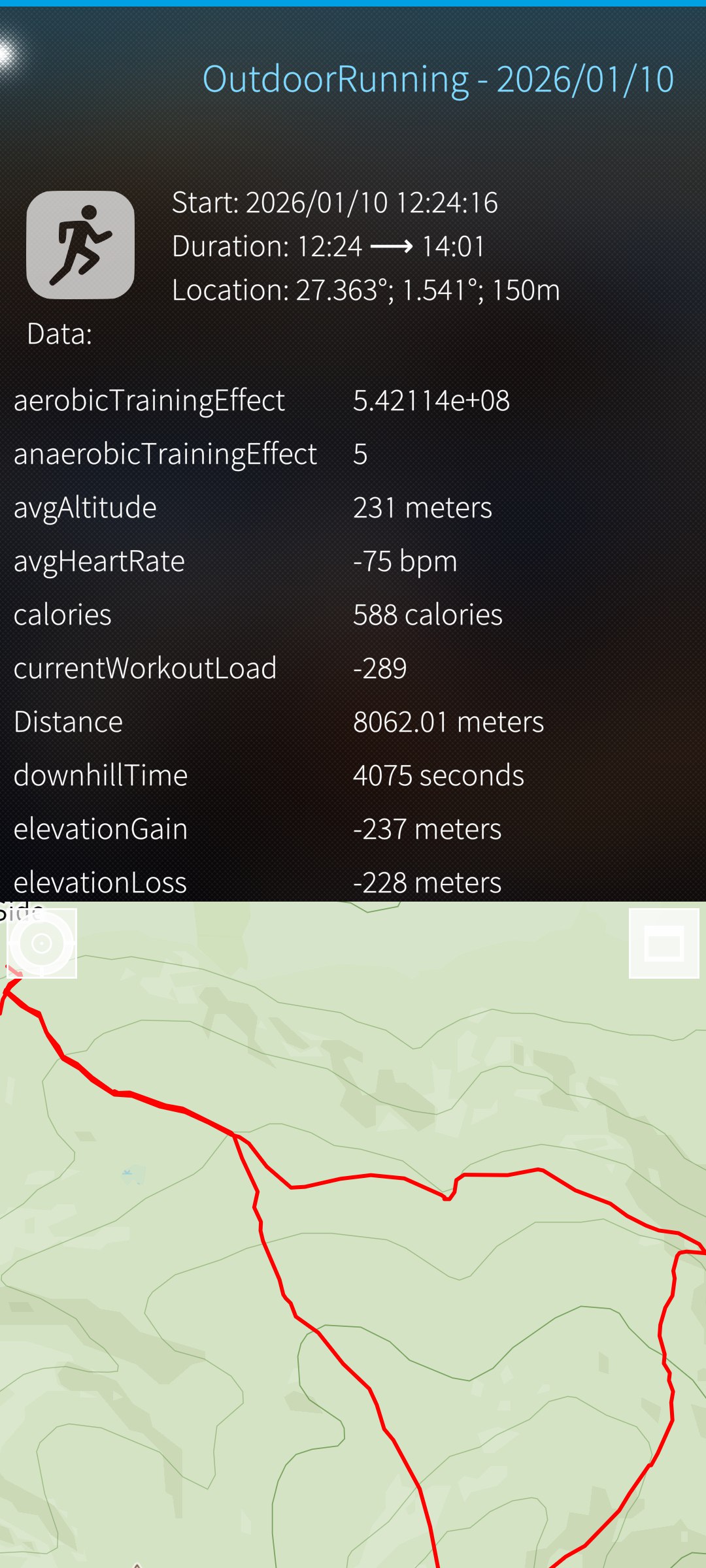
Previously, we had only a few icons, so I added several more. Even now, we only have around 50, which is far from enough. You can now update the activity type by clicking on its icon in the Sport Detail page, although we still need to add a pencil icon to make it clear that editing is possible. These sports were also not previously included in translations, but now they are, which significantly increased the number of translatable strings.
The missing icons also revealed a weakness in our multiplatform approach. I attempted to show a default icon when a specific one is missing (Image.status === Image.Error), but LomiriIcon is not a child of Image and does not provide a status property. We needed LomiriIcon because of its fragment shader-based coloring. At the same time, the icons are semi-transparent, which prevents using z-index to place a fallback icon behind them. A fix for this behavior has already been merged into Lomiri Components 2.0. We could use our own LomiriIcon implementation before Lomiri Components 2.0 is released, or simply wait. This has not been done yet.
Speaking of platform differences, we discovered that Amazfish on Ubuntu Touch did not support swipe-to-delete actions. The LomiriListItem with actions was simply not used there. This has finally been fixed in version 2.9.0.
Backend behavior also differs significantly across platforms. Amazfish was originally developed for SailfishOS, which remains the primary platform. However, I use Ubuntu Touch as my main system, and Kirigami is very helpful for quick debugging directly on the device without cross-compiling and redeploying.
The libwatchfish library attempts to provide a compatibility layer between platforms, but in some cases the implementation is little more than an empty #ifdef. This clearly shows the differences between platforms. For example, the newly added calendar support relies on QOrganizer on Ubuntu Touch, while this functionality is still missing on desktop platforms. It might work on Plasma, but that has not been fully verified yet. Ideally, the API should be more flexible and automatically detect which backend is available, instead of relying on platform-specific code paths.
While working on Bangle.js features, I also discovered that transliteration is needed for music remote control (track title and artist names).
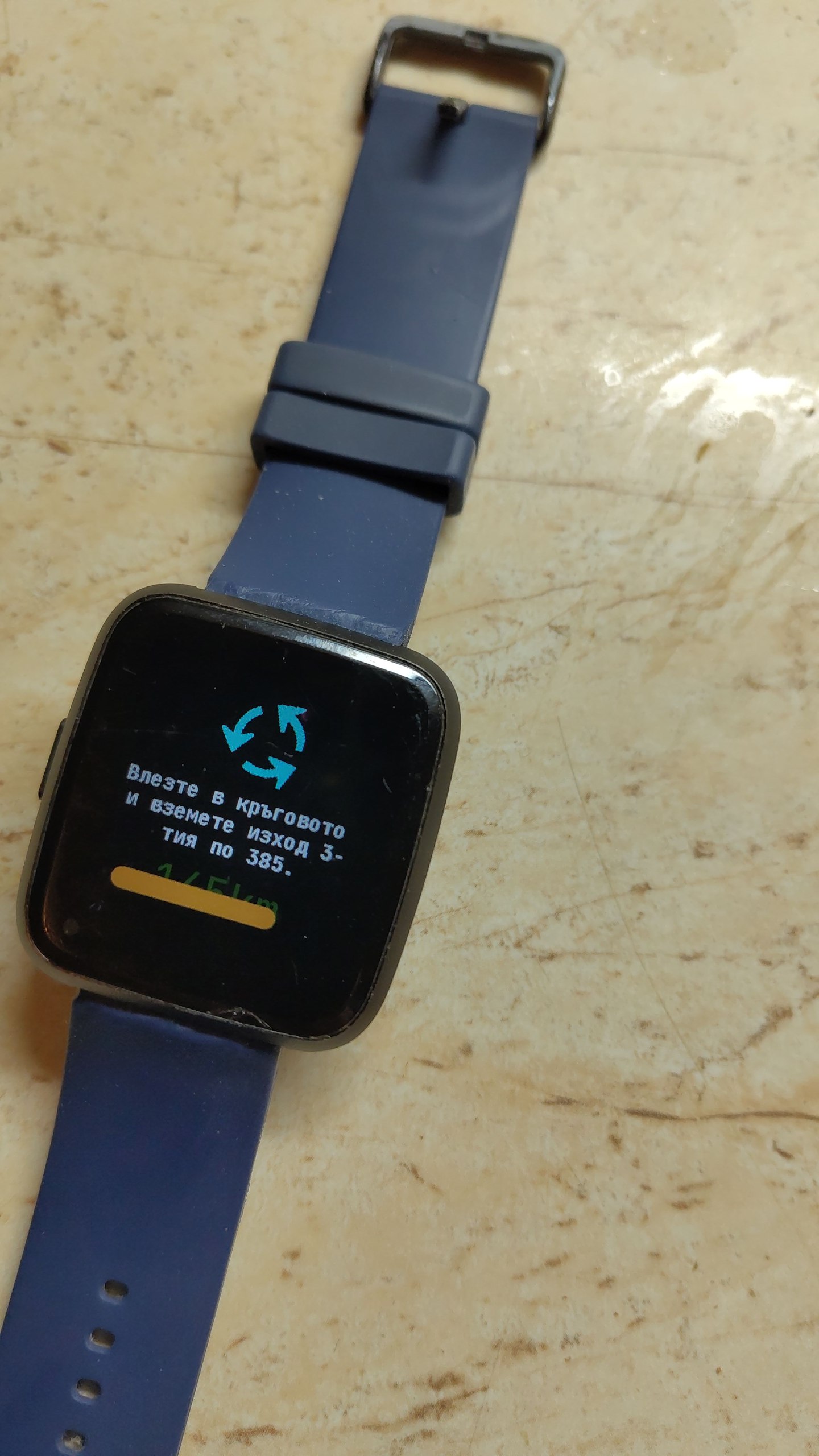
The same transliteration issue was found and fixed for navigation instructions. I wasn’t able to test the feature itself for a long time and wondered what the problem was. On Ubuntu Touch, navigation instructions require Pure Maps to run in unconfined mode, which is now provided as a separate app in the OpenStore. AppArmor prevents the regular Pure Maps application from exposing the required D-Bus service. Additionally, navigation instructions must be enabled in Amazfish settings.
Developing for such different platforms brings a lot of challenges. The postmarketOS community is pushing for migration to Qt6, while Ubuntu Touch is still on Qt 5.15 and SailfishOS on Qt 5.6. In a previous version, I reworked pairing to allow explicit device type selection, but I mistakenly used const instead of var in QML. This worked fine on Ubuntu Touch but caused a syntax error on SailfishOS.
What is currently in progress? I am working on calendar support for Bangle.js. I have a pull request that adjusts the sync API to support bidirectional synchronization. I will likely need to adjust interfaces for other smartwatch types as well, to avoid API fragmentation and unnecessary complexity.
We are also not happy with the current long page stack:
MainPage ↔ StepsPage ↔ SleepPage ↔ HeartRatePage ↔ SportSummaryPage ↔ BatteryPage
This means six items in a SwipeView. On SailfishOS, the SwipeView is wrapped in a PageStack and works well. However, on Ubuntu Touch and Kirigami, our compatibility layer relies on Previous/Next buttons, which is not very user-friendly.
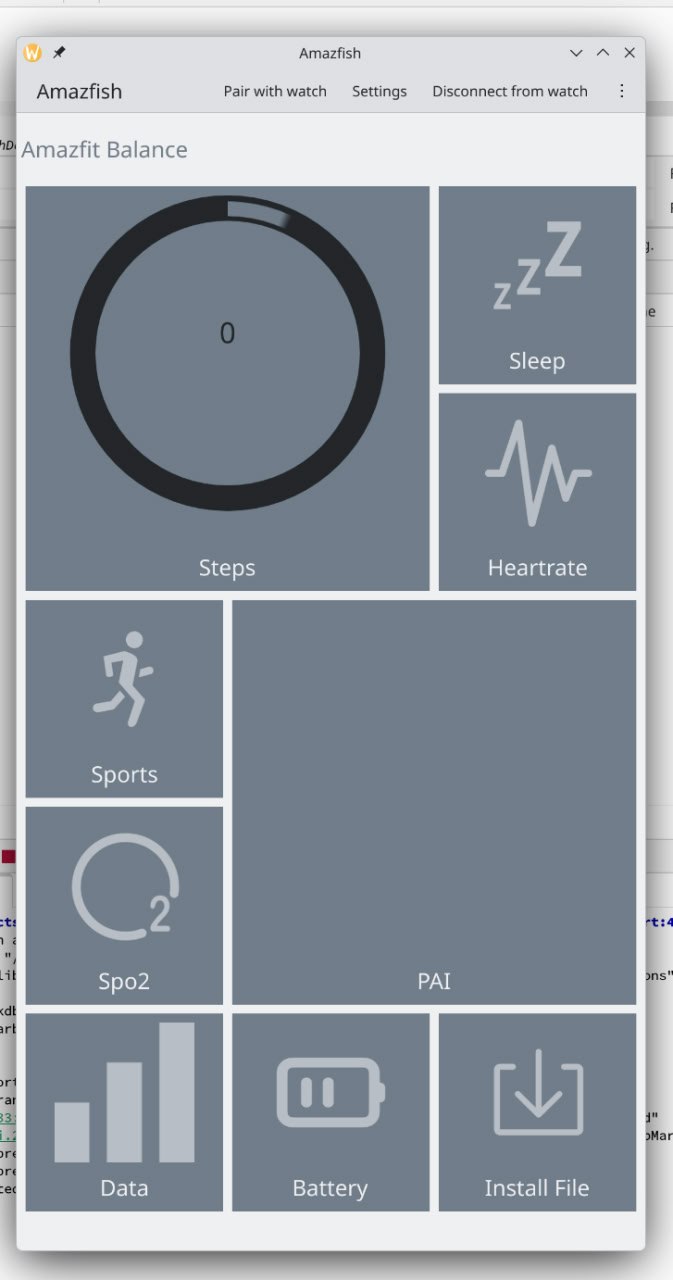
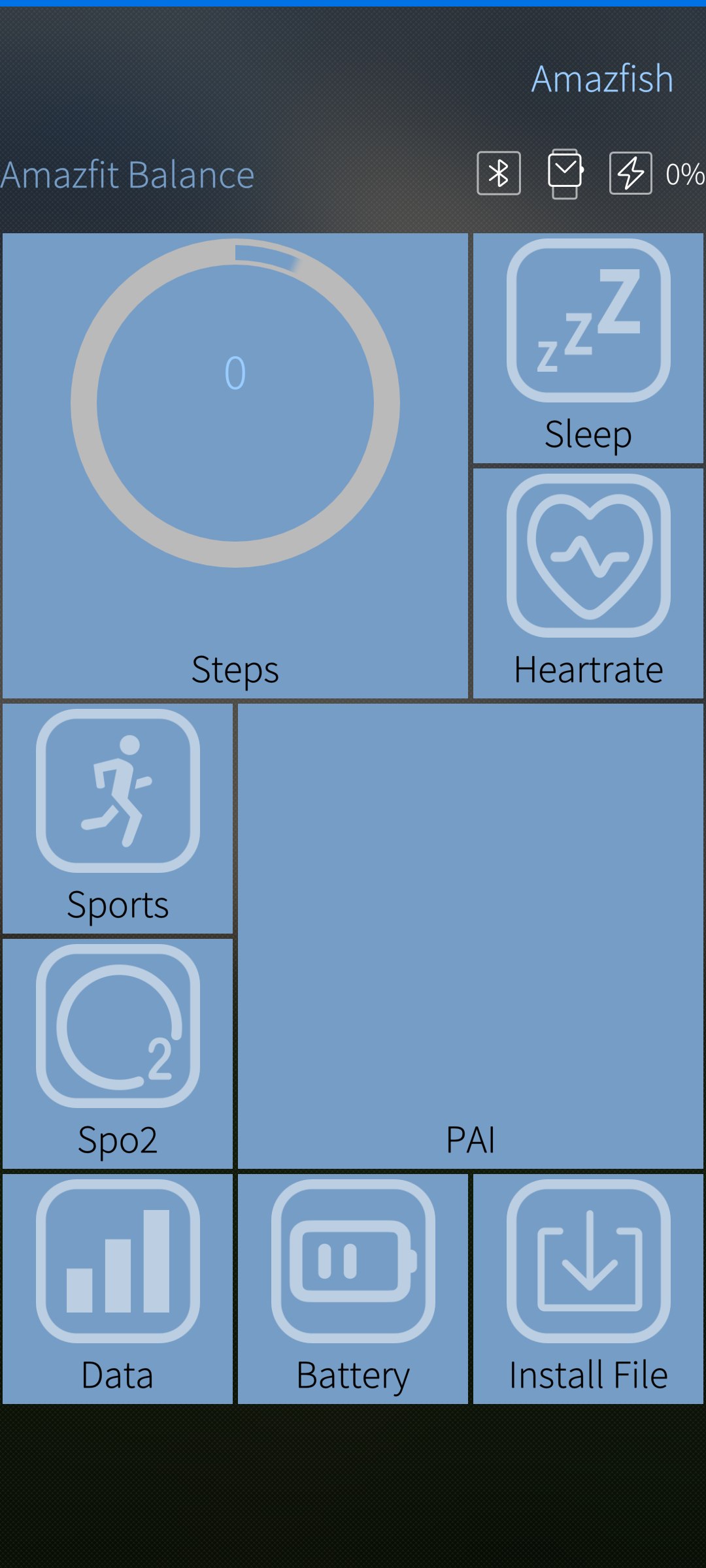
Additionally, Amazfish supports only a subset of features on different smartwatches, so some pages remain empty. Adam recently added one more page, the PaiPage, which makes navigation even less comfortable. As if that weren’t enough, some pages have performance issues, so you need to wait for a page to load before you can continue to the next one.
I drafted a possible solution, but I was not satisfied with it and decided to drop it. Meanwhile, Adam is working on a Windows Phone–style tile-based interface.